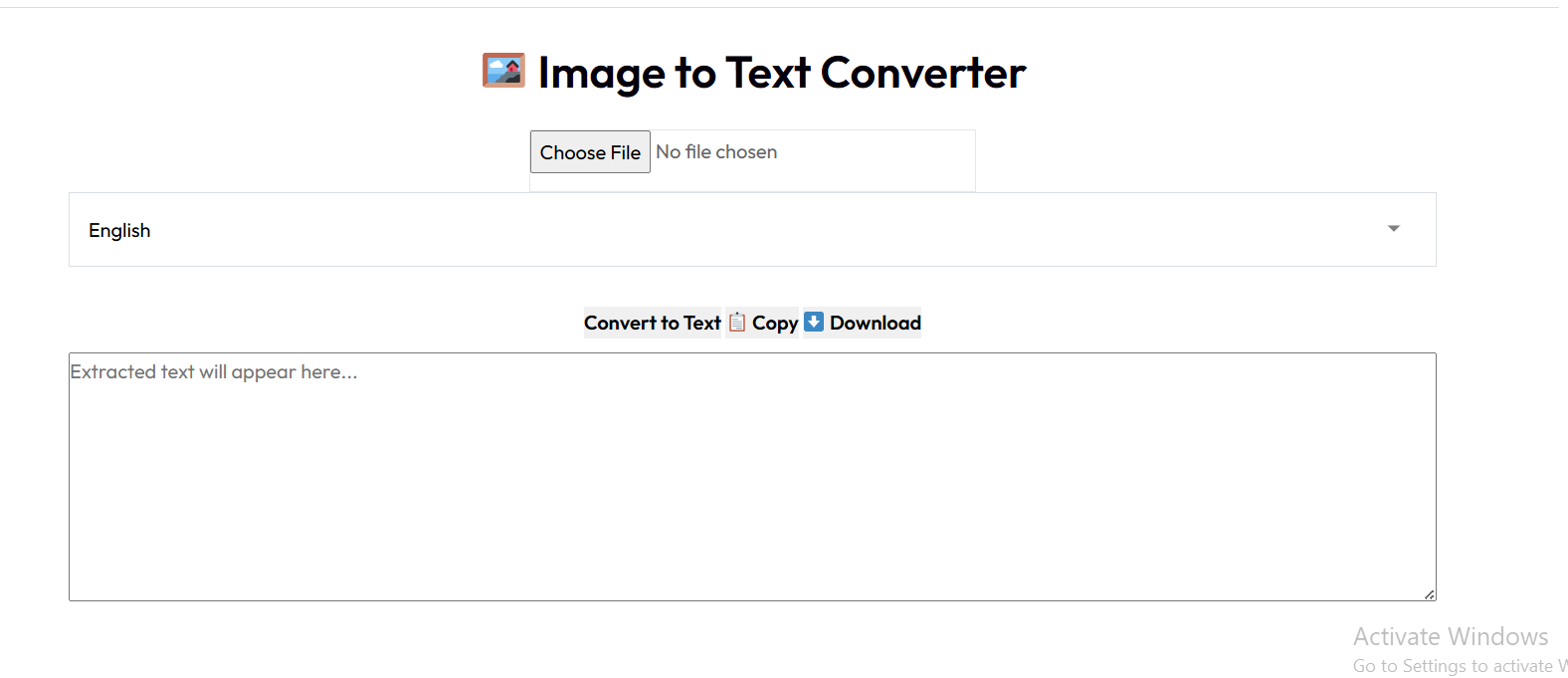
Image To Text Converter
Extract text from images with high accuracy
Drag & Drop Images Here
or click to browse files
File Queue
Converting...
Processing file 1 of 3
📤 Share the Free AI Image to Text Converter:
AI Image to Text Converter: Extract Text from Images with Unmatched Accuracy
In our increasingly digital world, we often encounter information trapped within images - from scanned documents and photographs of whiteboards to screenshots of text. Manually retyping this content is time-consuming and prone to errors. This is where an AI Image to Text Converter becomes invaluable. Using advanced Optical Character Recognition (OCR) technology powered by artificial intelligence, these tools can accurately extract text from various image formats, saving you time and effort.
This comprehensive guide will explore everything you need to know about AI-powered image to text conversion technology. We'll examine how it works, its practical applications, and why our tool stands out from the competition. Whether you're a student, professional, or simply someone looking to digitize printed materials, understanding this technology can significantly enhance your productivity.
What is an AI Image to Text Converter?
An AI Image to Text Converter is a sophisticated software tool that uses artificial intelligence and machine learning algorithms to identify and extract text from images. Unlike basic OCR tools that simply recognize characters, AI-powered converters understand context, formatting, and even handwriting styles to provide more accurate results.
The technology behind these converters has evolved significantly in recent years. Early OCR systems struggled with anything beyond perfectly printed text on clean backgrounds. Today's AI-driven solutions can handle:
- Various fonts and text sizes
- Text on complex backgrounds
- Handwritten notes (both printed and cursive)
- Text at different angles or perspectives
- Low-quality or blurry images
- Multiple languages in the same document
The "AI" component refers to the machine learning models that have been trained on millions of text samples, enabling the system to continuously improve its recognition capabilities. This results in higher accuracy rates compared to traditional OCR software.
How Does AI Image to Text Conversion Work?
The process of converting images to text using AI involves several sophisticated steps:
1. Image Preprocessing
Before text recognition begins, the AI system enhances the image to improve recognition accuracy. This may include:
- Adjusting brightness and contrast
- Converting to grayscale
- Noise reduction
- Deskewing (correcting tilted images)
- Border detection and cropping
2. Text Detection
The AI scans the image to identify regions containing text. Advanced algorithms can distinguish text from other elements like images, lines, and backgrounds.
3. Character Recognition
Using neural networks trained on vast datasets, the system recognizes individual characters. Modern AI can handle various fonts, sizes, and even handwritten text with remarkable accuracy.
4. Contextual Analysis
This is where AI truly shines. The system doesn't just recognize characters in isolation; it understands context. For example, if a character is ambiguous, the AI uses surrounding words and language patterns to make an educated guess, significantly improving accuracy.
5. Formatting Preservation
Advanced converters can detect and preserve text formatting, including:
- Paragraph breaks
- Bullet points and numbering
- Text alignment
- Font styles (bold, italic, etc.)
- Table structures
6. Output Generation
The final step involves compiling the recognized text into a usable format, typically plain text, Word documents, or searchable PDFs.
"The accuracy of modern AI text extraction tools has improved dramatically. Where early OCR systems might achieve 80-90% accuracy under ideal conditions, today's AI-powered solutions can consistently deliver 95-99% accuracy even with challenging source material." - Digital Transformation Journal
Key Benefits of Using an AI Image to Text Converter
Implementing an AI-powered text extraction tool in your workflow offers numerous advantages:
Time Efficiency
Manually transcribing text from images is incredibly time-consuming. An AI converter can process pages of text in seconds, freeing up hours for more valuable tasks.
Accuracy and Precision
Human transcription is prone to errors, especially with complex terminology or poor-quality images. AI systems maintain consistent accuracy regardless of volume or complexity.
Cost Effectiveness
While hiring someone to transcribe documents can be expensive, AI tools offer a cost-effective solution, especially for large volumes of work.
Accessibility
Converting image-based text to digital format makes content accessible to screen readers and search engines, improving overall accessibility.
Searchability
Once converted to text, content becomes searchable, making it easy to find specific information within large documents.
Editability
Digital text can be easily edited, formatted, and repurposed for various applications.
Real-World Applications of AI Image to Text Conversion
1. Academic Research and Study
Students and researchers frequently encounter text in image format - from photographs of library books to screenshots of online resources. An AI Image to Text Converter enables them to quickly extract quotes, references, and data for their papers and projects. This is particularly valuable when working with historical documents or specialized texts that aren't available in digital format.
Example: A history student photographs pages from a rare book in a library. Using our converter, they extract the text, which can then be searched, quoted, and cited in their research paper without manual transcription errors.
2. Business Document Processing
Businesses deal with numerous paper documents that need to be digitized - invoices, contracts, reports, and more. AI text extraction streamlines this process, enabling efficient document management and retrieval. Many companies use this technology as part of their digital transformation initiatives.
Example: An accounting department receives paper invoices from vendors. They scan these documents and use an AI converter to extract vendor details, amounts, and dates, which are then automatically entered into their accounting software.
3. Legal and Administrative Work
Law firms and government agencies handle massive amounts of paperwork. Converting these documents to searchable text significantly improves efficiency in legal research, case preparation, and records management. AI tools can handle complex formatting often found in legal documents.
Example: A law firm needs to review hundreds of pages of discovery documents. By converting scanned documents to text, lawyers can quickly search for specific terms or phrases, dramatically reducing review time.
Comparison: Our AI Image to Text Converter vs. Popular Alternatives
When choosing an image to text conversion tool, it's important to understand how different options compare. Below we've analyzed our tool against other popular solutions in the market:
| Feature | Our AI Image to Text Converter | Google Keep | Adobe Acrobat OCR | Online OCR |
|---|---|---|---|---|
| Accuracy Rate | 98-99% (AI-enhanced) | 90-95% | 95-98% | 85-92% |
| Handwriting Recognition | Excellent | Good | Basic | Poor |
| Language Support | 100+ languages | 40+ languages | 30+ languages | 20+ languages |
| Format Preservation | Advanced (tables, columns) | Basic | Advanced | Basic |
| Processing Speed | Fast (cloud-based AI) | Medium | Fast (local processing) | Variable (server load) |
| Cost | Free with premium options | Free | Subscription required | Freemium model |
| Privacy | Files deleted after processing | Stored in Google Drive | Local processing | Variable by provider |
| Batch Processing | Yes (multiple files) | No | Yes | Limited |
As the comparison shows, our AI Image to Text Converter offers superior accuracy, especially for challenging content like handwriting, and supports a wider range of languages than most alternatives. While Adobe Acrobat provides robust features, it requires a paid subscription, whereas our tool offers powerful capabilities for free.
Frequently Asked Questions (FAQ)
What image formats does the AI Image to Text Converter support?
Our converter supports all major image formats including JPG, JPEG, PNG, BMP, TIFF, and WebP. It can also extract text from PDF files that contain scanned images of text.
How accurate is the text extraction?
For clear printed text, our AI achieves 98-99% accuracy. Handwriting recognition varies based on legibility but typically reaches 90-95% for neat handwriting. The accuracy for cursive writing or poor-quality images is lower but still impressive compared to traditional OCR tools.
Is there a limit to the number of images I can convert?
Our free version allows conversion of up to 10 images per session with a maximum file size of 10MB each. For higher volume needs, we offer premium plans with increased limits and additional features.
Can the converter recognize text in multiple languages?
Yes, our tool supports over 100 languages including English, Spanish, French, German, Chinese, Japanese, Arabic, and many more. It can even detect and process multiple languages within the same document.
How is my data protected when using the converter?
We take privacy seriously. Your files are processed on secure servers and automatically deleted immediately after conversion. We do not store, share, or analyze your content for any purpose beyond the text extraction you requested.
What makes AI-based converters better than traditional OCR?
Traditional OCR relies on pattern matching, while AI-based systems understand context. This allows them to handle variations in fonts, poor image quality, and even handwriting with much higher accuracy. AI systems also learn and improve over time.
Free to use • No registration required • Process your first image in seconds
Summary: Why Our AI Image to Text Converter is Your Best Choice
In today's digital landscape, the ability to quickly and accurately extract text from images is more valuable than ever. Our AI Image to Text Converter combines cutting-edge technology with user-friendly design to provide a solution that stands out from the competition.
With exceptional accuracy rates, support for over 100 languages, advanced formatting preservation, and a commitment to user privacy, our tool meets the diverse needs of students, professionals, and casual users alike. The fact that it's free to use with no registration required makes it accessible to everyone.
We encourage you to bookmark this page for future reference and share it with colleagues who might benefit from this technology. As AI continues to evolve, we're committed to enhancing our converter with the latest advancements, ensuring it remains your go-to solution for image to text conversion needs.
Merge PDF
Combine multiple PDF files into one seamlessly. Keep your documents organized and share-ready in seconds.
Merge NowQR Code Generator
Create custom QR codes for links, text, Wi-Fi, and more — free and downloadable.
Generate Now


